AI Detection Guides
How to Bypass Turnitin AI Detection
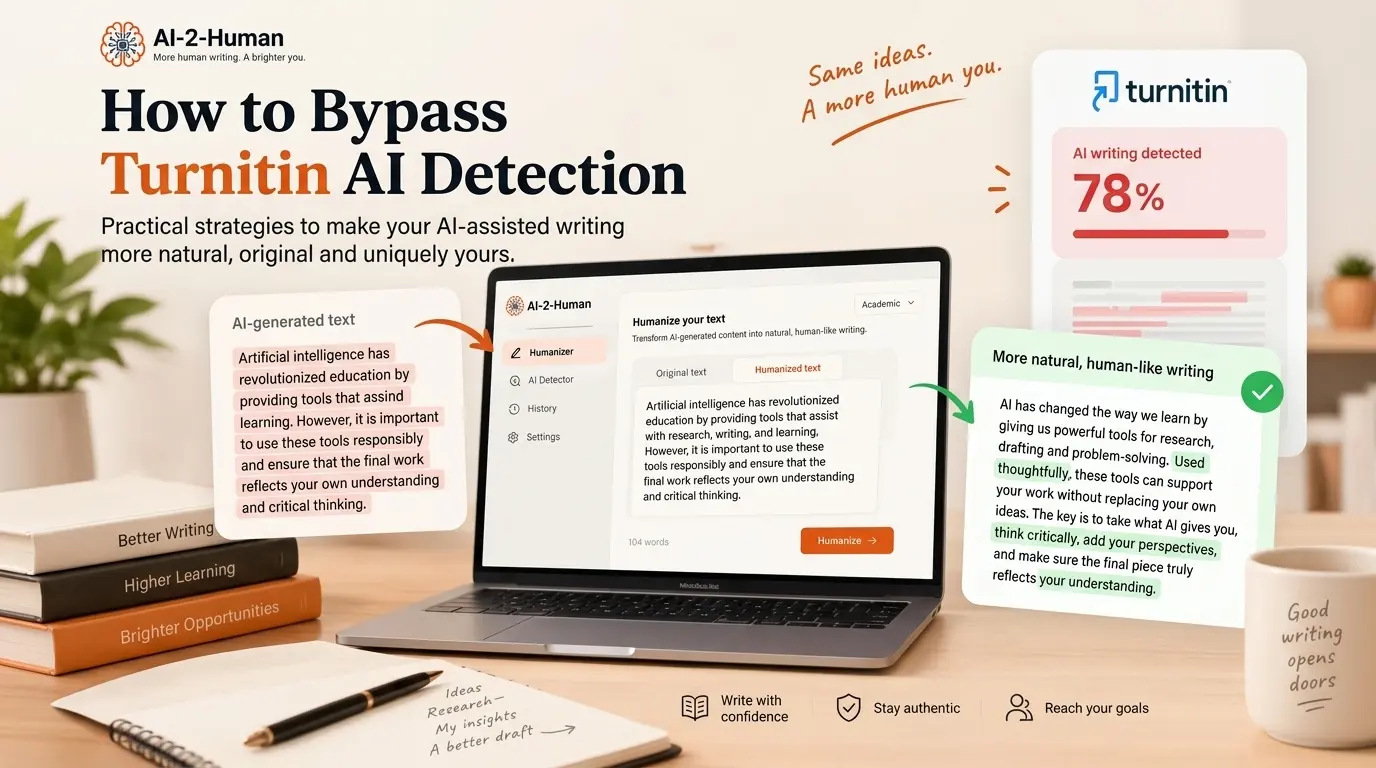
Trying to bypass Turnitin AI detection? Start with the text itself. The patterns that get AI-assisted drafts flagged are the ones AI-2-Human rewrites: repetitive phrasing, uniform sentence rhythm and generic claims become more natural, varied prose before you check or submit your draft. Use the result as your strongest version: review the final text yourself and follow the AI-use rules that apply to your work.
What is Turnitin AI detection?
Turnitin’s AI writing report flags qualifying prose that its model estimates may have been generated or subsequently modified by AI tools. It is separate from the Similarity Report, which highlights text matching other sources. Neither should be read as a stand-alone verdict about a writer.
That distinction changes what you should review. A matching quotation calls for checking quotation marks and attribution. A passage flagged as potentially AI-written calls for examining the writing process and the applicable rules. Swapping a few words answers neither question, which is why the revision steps below work on structure, wording and meaning rather than on synonyms.
How does Turnitin detect AI-generated writing?
Turnitin assesses qualifying prose using a proprietary model. Its current AI Writing Report groups likely AI-generated writing, including text further modified by paraphrasing or bypasser tools, under the AI-generated result. The paraphrasing and bypasser capabilities apply to its English detector. Read that closely: a light paraphrase does not reset a passage, because the structure and rhythm that made it look generated survive the word swap. That is why AI-2-Human rewrites from the meaning up, rebuilding sentences, wording and rhythm instead of trading synonyms.
Turnitin: using the AI Writing Report
More generally, AI detectors classify patterns in text. Predictability, repetition, and consistency are useful concepts for understanding this kind of classification, but they are not a published recipe for Turnitin’s proprietary system: nobody outside Turnitin knows the exact weight of each feature or how a single sentence will be scored. What you can control is whether your draft still reads like formulaic AI output, and that is the part AI-2-Human changes.
Keep that uncertainty in mind when you read online advice about “trigger words.” A phrase such as “in conclusion” is not proof of AI use, and deleting it is not proof of human authorship. The real reason to rewrite a formulaic ending is that it says too little about your argument, and rewriting what each sentence actually claims is the kind of change that improves the text.
Why can AI-generated text get flagged?
A generated draft can sound plausible while giving every paragraph the same job, rhythm, and level of detail. These are useful editing clues, not a diagnostic checklist. Human writers can use the same patterns, and an AI-generated passage does not have to contain them.
- Predictable structure: each paragraph announces a benefit, repeats it, and ends with a broad conclusion.
- Repetitive transitions: “Furthermore” and “Moreover” connect points without explaining the relationship between them.
- Uniform rhythm: sentences repeatedly have the same length and shape, even when the ideas need different emphasis.
- Generic claims: “This improves efficiency” replaces an explanation of what improved, for whom, and under which conditions.
- Missing reasoning: the draft lists facts but never explains why they support your position.
These are the common AI-like writing patterns AI-2-Human is designed to improve. The Humanizer helps vary sentence structure, replace repetitive phrasing and improve the flow of AI-assisted drafts. You supply the reasoning and specific evidence that make the writing yours.
Read one paragraph and write its purpose in the margin. If you can only write “sounds relevant,” the passage needs a clearer claim or should be removed. This is a more useful decision than trying to guess which word a detector disliked.
How to make AI-assisted writing more natural
You can make these changes manually or use AI-2-Human to speed up the first editing pass. The Humanizer rewrites wording, sentence flow and repetitive structures so you can start from a more natural version, then strengthen it with your own reasoning, facts and examples.
Revise in layers: argument first, evidence second, sentences last. Polishing a paragraph before deciding what it should say can make weak reasoning harder to notice. Save the original draft so you can compare versions and explain your choices later.
- 1
Read
Identify the claim and the purpose of each paragraph.
- 2
Reason
Add your analysis, evidence, and relevant context.
- 3
Rewrite
Improve structure and wording without changing the meaning.
- 4
Verify
Check every source, fact, and final sentence.
1. Rewrite ideas in your own words
Read a passage, set it aside, and explain its point from your notes. Then compare your explanation with the original. This reveals whether you understand the idea or are only rearranging its vocabulary. Keep essential technical terms: precision matters more than finding a different word for everything.
2. Add original reasoning and examples
After a claim, ask “Why should a reader believe this?” and “What would limit this conclusion?” Add the comparison, calculation, observation, or source-based interpretation that answers those questions. Use a real example from your work where appropriate, and label an invented teaching example as hypothetical.
3. Vary sentence structure naturally
Let the idea determine the sentence length. A short sentence can state a decision. A longer one can explain the evidence and its limits. Combine sentences that repeat one another and split sentences carrying several unrelated claims. Do not add random errors or force variation merely to change the appearance of the text.
4. Replace generic phrasing with a specific point
Replace “This plays a crucial role” with the actual role. Instead of “There are many benefits,” name the benefit you are evaluating and the condition under which it applies. Delete an introductory sentence if the next sentence already says the same thing more clearly.
5. Verify facts and citations
Open each cited source yourself. Check that the author, title, date, and claim match the original publication. A real source can still be cited for a conclusion it does not support. Mark unverified claims in your draft, then either support them, qualify them, or remove them before submission.
6. Add context only you can provide
Explain the assumptions behind your choice, the constraints of your project, or a limitation you encountered. For an essay, this may be your interpretation of a particular passage. For a report, it may be why you selected one comparison period. Do not invent experiences or data to create a personal voice.
7. Read the final version aloud
Listen for a repeated opening, an unexplained leap, or a sentence you would struggle to explain in conversation. Edit those places, then do a separate accuracy pass. A smooth paragraph can still contain a mistaken number or an overstated conclusion.
A before-and-after example: add a reason, not just synonyms
This is the kind of clearer, more varied writing AI-2-Human is designed to help produce, combined with context and reasoning supplied by the writer. The example below is fictional: it is neither a recorded product output nor a tested Turnitin result. Imagine a student comparing two study routines after keeping their own notes.
Before
Technology plays a crucial role in improving learning outcomes. Furthermore, digital tools enhance productivity and provide numerous benefits. Therefore, students should embrace technology to achieve academic success.
After
For my revision sessions, the flashcard app was most useful after I had written a one-page explanation of the topic. It helped me recall definitions; it did not tell me whether I could build an argument. Next week, I would keep the flashcards but spend more time answering a practice question without them.
Can AI-2-Human help bypass Turnitin AI detection?
AI-2-Human handles the practical rewriting step: making AI-assisted text read more naturally and cutting the repetitive, predictable patterns detectors react to. Paste your text into the Humanizer and it reworks sentence variety, wording and flow while keeping your original meaning at the center. Your draft comes back with the formulaic scaffolding removed, ready for the reasoning and evidence only you can add.
Detection systems run proprietary models that keep changing, so treat your rewritten draft as the strongest version you can submit rather than a fixed score. The workflow stays simple: humanize the draft, review the rewrite, add your reasoning and evidence, then check it. Compare technical terms, numbers, citations and qualifications such as “may” against the original before accepting a suggestion.
- 1
Paste your AI-assisted draft
Start with a draft whose ideas you understand.
- 2
Humanize the text with AI-2-Human
Rework repetitive wording and sentence flow.
- 3
Review facts, meaning and citations
Compare the rewrite with your original and sources.
- 4
Add your own reasoning and examples
Supply the context only you can verify.
- 5
Check the final text with the AI Detector
Use its result as an additional review signal.
- 6
Make any final edits
Refine unclear passages and keep your draft history.
Check your text before you submit or publish it
Humanize, review, detect, then refine where needed. After revising your draft, run it through the AI-2-Human Detector to see how it reads for AI-detection patterns. Its assessment points to the passages that still sound generated, so you can fix them before you submit. The Detector reports its own signal rather than a copy of Turnitin’s proprietary score, which makes it a useful second pass on the same text.
Read the Detector’s explanation alongside the draft. Decide whether a flagged passage is unclear, repetitive, or insufficiently supported. If the writing is already accurate and appropriate, a score alone is not a reason to keep rewriting it. Keep your notes and earlier versions as a record of how the work developed.
Common mistakes to avoid
- Swapping synonyms while leaving the argument vague. Change the explanation when that is the real problem.
- Accepting a rewrite without checking it. A small change can turn a tentative conclusion into a certainty.
- Keeping a citation because it looks scholarly. Read the original source and check what it actually supports.
- Using hidden characters, unusual formatting, or spelling mistakes. These damage readability and do not improve the substance of your work.
- Optimizing only for a detector score. You can lose precise terminology and still have an unsupported claim.
- Ignoring disclosure requirements. Check what assistance is permitted and describe your use of it where required.
AI-2-Human focuses on rewriting the language itself rather than relying on hidden characters, strange formatting or intentionally damaged text.
Can Turnitin or other AI detectors make mistakes?
Yes. Turnitin explicitly acknowledges possible misclassification and advises against using its report alone for adverse action. Its guidance asks educators to consider the report alongside their knowledge of the student, the work, and institutional policy.
Turnitin: how to review the AI Writing Report
A short extract, mixed authorship, or substantial editing makes any broad interpretation harder: the available context matters. Avoid comparing scores from different tools as though they were measurements on an identical scale. A detector’s estimate and an assessment of whether the work follows a course policy answer different questions.
Before you submit: a practical checklist
- I can explain the argument without reading the draft.
- I have read every sentence and removed generic or repeated claims.
- My examples and observations are real, or explicitly labelled hypothetical.
- Every fact, quotation, and citation has been checked against its source.
- Any rewrite preserves the intended meaning and qualifications.
- Sentence structure serves the ideas rather than a detector score.
- I have checked the AI-use and disclosure rules for this work.
- I have kept my notes, drafts, and final version.
Frequently asked questions
Turnitin offers an AI writing report intended to identify likely AI-generated writing. It can make mistakes, so an indicator should be interpreted with the work and its context rather than treated as proof.
Text generated with ChatGPT falls within the broad purpose of AI writing detection. That does not mean every ChatGPT passage will be identified, or that a flagged passage proves ChatGPT was used.
Turnitin’s English AI Writing Report includes likely AI-generated text modified with paraphrasing or bypasser tools in its AI-generated result. A light paraphrase tends to leave the patterns that triggered the flag in place, which is why AI-2-Human rebuilds the sentences themselves instead of trading words. Review the meaning and accuracy of any rewrite before you rely on it.
A classifier can misidentify human writing. A report alone cannot establish why a particular passage was flagged. Review the passage, the drafting evidence, and the relevant guidance with the person assessing the work.
Yes. They can flag human text or miss AI-generated text. Treat their results as one input to review, alongside evidence about the writing process and the requirements of the assignment.
Swapping a few synonyms is rarely enough, because the structure and rhythm that made the passage look generated stay in place. The revisions that matter go deeper: vary sentence structure, cut repetition, and connect each claim to your evidence. That deeper rewrite is the part AI-2-Human speeds up, with your original meaning as the starting point.
Yes, for the rewriting that matters. AI-2-Human turns formulaic AI-assisted prose into more natural writing by improving sentence structure, wording, rhythm and repetition, while keeping your meaning intact. Turnitin runs a proprietary model that changes over time, so no tool can promise a specific figure. Your aim is to submit the most natural, best-supported version of your work, and the Humanizer is built to get you there.
Try the AI Humanizer →Review the draft carefully, humanize overly formulaic passages, add your own reasoning and examples, and verify every fact and citation. Make sure the final text reflects what you actually mean and follows the relevant AI-use rules. AI-2-Human can help with rewriting, and the AI Detector provides an additional review signal.
Sources & editorial notes
- Turnitin: AI writing detection capabilities FAQs
- Turnitin: Using the AI Writing Report
- Turnitin: How should I review the AI Writing report?
- Turnitin: Understanding the similarity score
AI-2-Human is not affiliated with or endorsed by Turnitin. Product documentation was reviewed on September 19, 2026; capabilities can change.
Updated